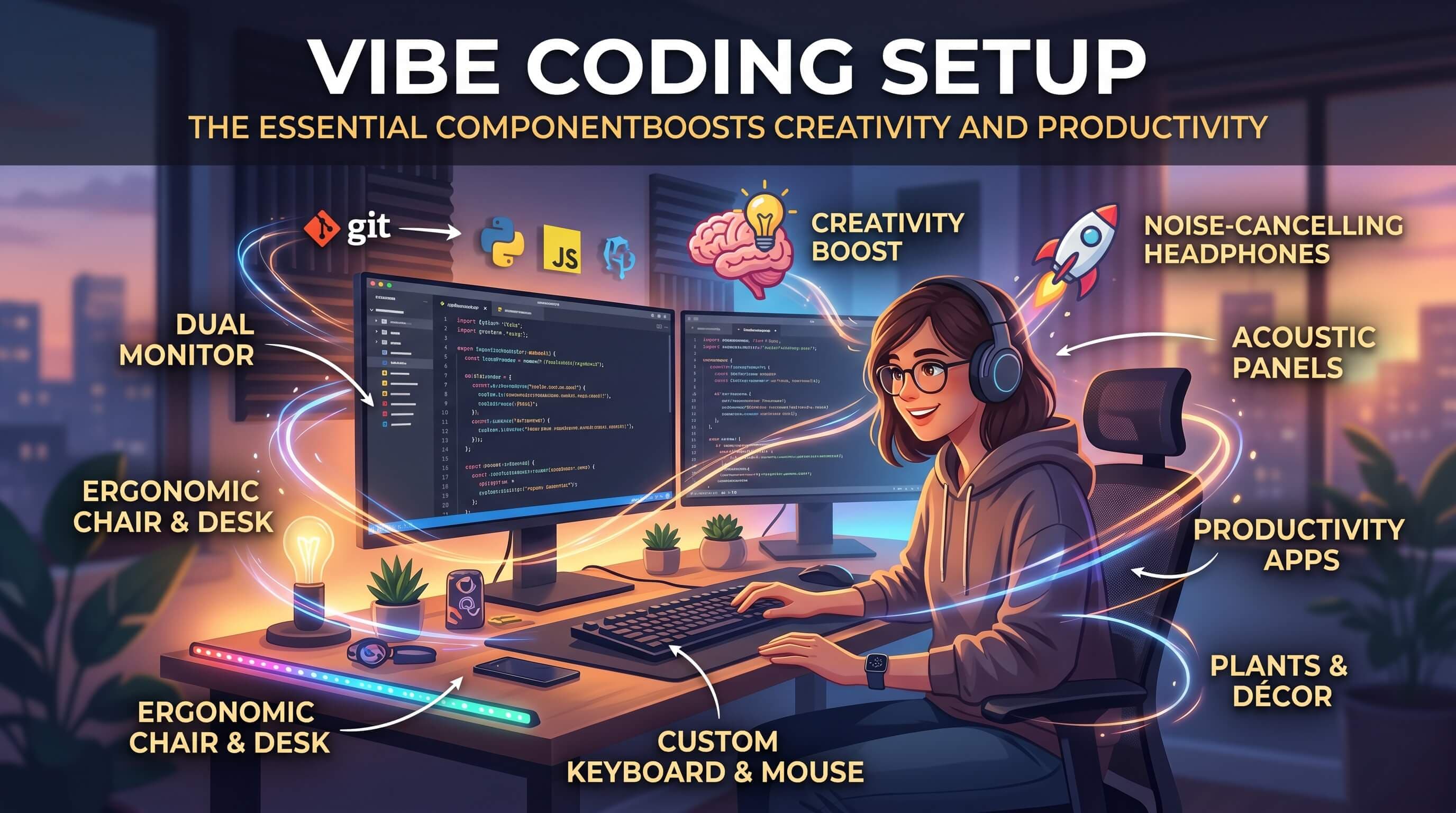
The Essential Components of a Vibe Coding Setup That Boosts Creativity and Productivity
What is vibe coding and how do you build the ultimate workspace? Explore the hardware, software, and ambient components of a hyper-focused vibe coding setup.
The software engineering landscape has reached a historic turning point. With the emergence of advanced AI agents, developers are shifting from manual syntax entry to high-level system orchestration. This modern programming style is known as Vibe Coding.
In a vibe coding environment, you are the architect. You guide AI coding agents to write code, review the diff outputs, test scripts, and build features.
Because typing speed is no longer the bottleneck, your primary constraints are focus state and architectural clarity. To sustain peak performance, developers need a specialized environment. In this guide, we outline the essential components of a vibe coding setup that boosts creativity and productivity.
What is a Vibe Coding Setup?
A vibe coding setup is an integrated physical and digital workspace optimized for deep focus (flow state), prompt engineering, and cognitive comfort.
Traditional coding setups emphasize multi-screen syntax layouts. In contrast, a vibe coding setup prioritizes minimizing distractions, structuring AI timeboxes, and incorporating ambient stimuli to maintain mental flow and reduce prompt fatigue.
5 Essential Components of a Vibe Coding Setup
To build the ultimate workspace for AI-native software development, ensure your setup incorporates the following five pillars:
1. An AI-First Code Editor & Terminal Agent
Your editor is your primary interface for orchestrating code files. Traditional code completers are no longer sufficient.
- Why it's essential: You need an editor with deep repository understanding and multi-file editing capabilities.
- Top Picks: Cursor (best overall AI IDE built on VS Code), Windsurf (best autonomous coding agent), or terminal-based agents like Claude Code for hands-free CLI development.
2. Timeboxed Sprint Frameworks (Pomodoro)
Because AI writes code in seconds, developers often get caught in fast "prompt loops" trying to fix minor errors. This causes rapid cognitive fatigue.
- Why it's essential: A visual timer forces you to take regular breaks, reset your working memory, and re-evaluate system design from a high level.
- Top Picks: Enforce a 50/10 Focus Cycle using a desktop timer or an integrated dashboard widget.
3. Ambient Auditory & Aesthetic Stimuli
Silence can be deafening, but lyrical music is distracting. A vibe coder's auditory environment should occupy just enough minor brain capacity to filter out background noise without interrupting language processing.
- Why it's essential: Low-tempo instrumental beats or cafe background sounds stimulate alpha brain waves, which are associated with deep focus and creative problem-solving.
- Top Picks: Mix tracks like lofi beats, keyboard typing sounds, and rain tapping into a single customizable soundboard.
4. Dynamic Context Logs & Sticky Notes
When instructing AI agents, maintaining context is key. If you forget your previous prompt parameters or the root cause of a bug, you waste computational resources and time.
- Why it's essential: Having a visual, persistent notepad beside your editor helps you log active variables, current objectives, and code instructions.
- Top Picks: Use local digital sticky notes synced across devices, or keep a physical grid journal on your desk.
5. Custom Rules & Prompt Instructions (.cursorrules)
An AI agent is only as good as the guidelines it follows. Without clear instructions, LLMs can output outdated boilerplate or ignore your project's naming conventions.
- Why it's essential: A
.cursorrulesfile or custom AI system prompt defines code guidelines, target libraries (like Next.js or Tailwind), and lint rules. - Top Picks: Create a custom
.cursorrulestext file in the root of your project directory outlining file architectures.
Designing the Physical Vibe Setup
Your physical desk is the foundation of your digital vibe:
- Lighting: Use warm, indirect LED lighting or rgb cyber-ambient stripes. Avoid harsh overhead fluorescent bulbs.
- Keyboard: Invest in a tactile mechanical keyboard. The auditory feedback of keystrokes aids focus (and is highly satisfying).
- Physical Controls: A physical dial or macro-pad to adjust volume and control focus timers instantly is a great addition.
Conclusion: Build Your Digital Hub
Building a vibe coding setup is about creating an environment that supports your flow. By combining an AI IDE with structured Pomodoro timeboxes, aesthetic ambient sounds, and clean context note managers, you transform coding from a stressful chore into a highly creative directing experience.
To experience a workspace that integrates all of these elements in a single digital dashboard, explore ProductiveVibe and lock in your coding flow state today.