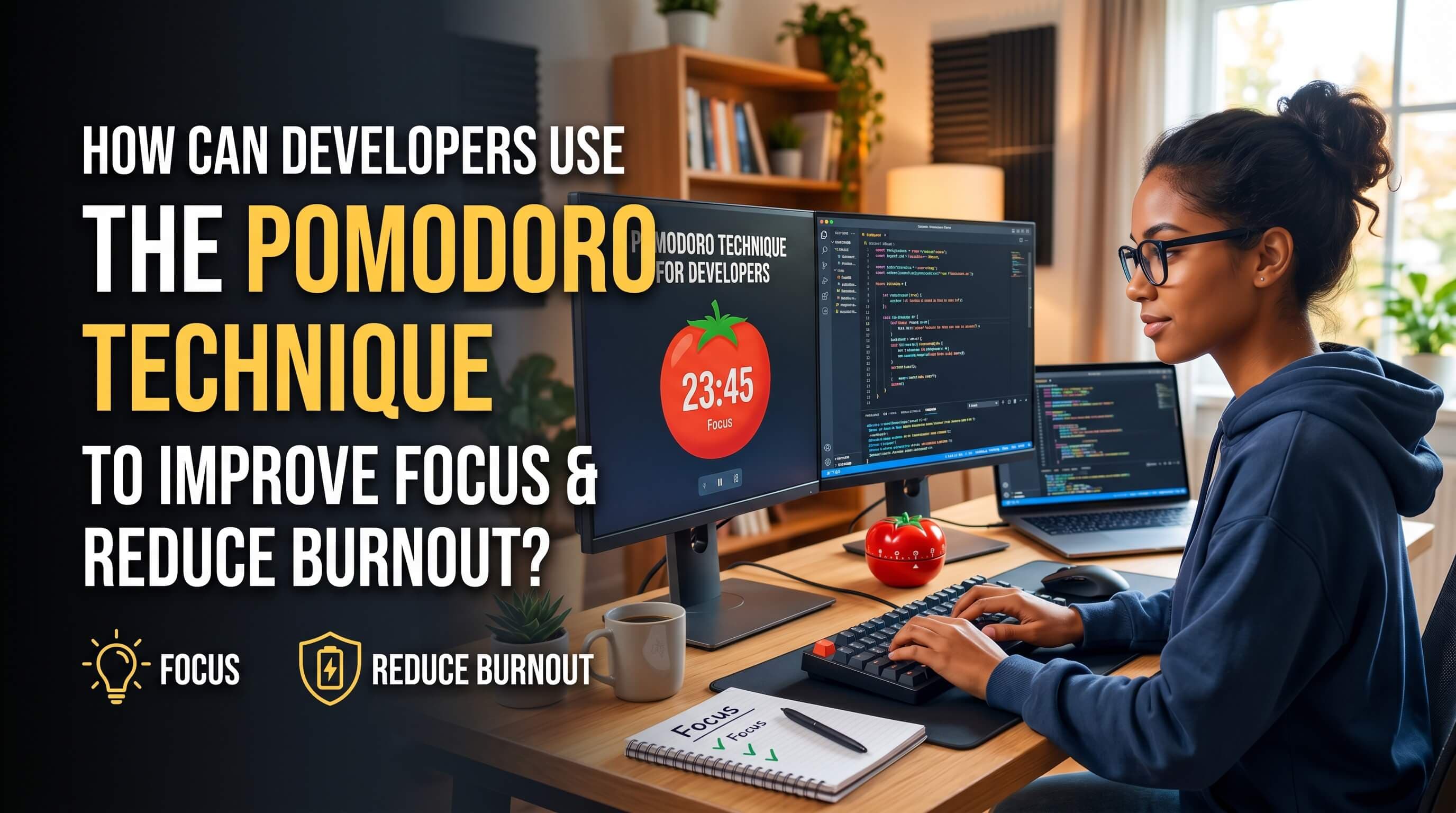
How Can Developers Use the Pomodoro Technique to Improve Focus and Reduce Burnout?
Discover how developers can customize the Pomodoro technique to lock in flow state, prevent prompt loops, and avoid mental fatigue during coding sessions.
Programming is a highly intensive cognitive task. Unlike many other professions, software engineering requires keeping complex mental models of system architectures, data flows, and state configurations active in working memory for hours on end.
With the emergence of generative AI and vibe coding, the cognitive load has changed but not disappeared. Developers now orchestrate multiple files and prompt AI agents rapidly, which can lead to prompt fatigue, debug looping, and eventual burnout.
To survive and thrive in this new era of software development, timeboxing techniques are essential. In this guide, we'll explore how developers can use the Pomodoro technique to improve focus and reduce burnout during coding sessions.
What is the Pomodoro Technique?
Created by Francesco Cirillo in the late 1980s, the Pomodoro Technique is a time management method that uses a timer to break work down into intervals, traditionally 25 minutes in length, separated by short breaks.
A single cycle consists of:
- Focus Sprint (25 minutes): Work with absolute focus on a single task. No Slack, no social media, no email.
- Short Break (5 minutes): Step away from the screen. Walk, stretch, drink water, or close your eyes.
- Repeat: After four sprints, take a longer break of 15 to 30 minutes.
Why Developers Face Burnout in the Vibe Coding Era
AI coding assistants (like Cursor, Claude Code, and Copilot) have drastically increased typing speed and development velocity. However, this has created a new developer bottleneck: cognitive fatigue.
Developers frequently fall into these focus traps:
- Prompt Looping: Asking an AI agent to fix the same bug repeatedly without taking a step back to analyze the root cause.
- Micro-Interruption Overload: Constantly switching context between writing prompt specifications, reviewing code diffs, and checking terminal outputs.
- Context Loss: Working for 4 hours straight until working memory is exhausted, leading to bugs and bad design decisions.
How to Customize Pomodoro for Software Engineering
While the classic 25-minute Pomodoro is great for general tasks, software engineering projects often require longer periods to establish a flow state. Many developers find that customizing their intervals yields better results.
Here are the best Pomodoro cycles for coding:
1. The Classic (25/5 Cycle)
- Work: 25 minutes | Break: 5 minutes
- Best For: Code refactoring, debugging, administrative developer tasks, or onboarding.
- Why it works: Keeps urgency high and prevents getting stuck in infinite debugging loops.
2. The Deep Work Focus (50/10 Cycle)
- Work: 50 minutes | Break: 10 minutes
- Best For: System design, architecting new features, or writing complex core logic.
- Why it works: Provides a longer window to dive deep into complex logic without breaking flow too quickly.
3. The Flow Sentry (90/20 Cycle)
- Work: 90 minutes | Break: 20 minutes
- Best For: Advanced developers working on intense integration tasks.
- Why it works: Aligns with natural ultradian rhythm cycles (cycles of high-frequency brain activity).
Step-by-Step Guide: Implementing Pomodoro in Coding Sessions
To get the most out of your Pomodoro sessions, follow this structured routine:
Step 1: Define Your Focus Tasks
Before starting the timer, break your coding goal into micro-tasks (e.g., "Write database schema migration", "Implement login UI validation", "Create API unit tests"). Write them down on a dashboard task list.
Step 2: Clear Your Workspace
Close unnecessary browser tabs, mute notifications, and put your phone in another room. Open your developer focus tools and play ambient soundscapes (like lofi cafe or keyboard clicks) to filter environmental noise.
Step 3: Work with the Timer
Start your Pomodoro timer. Work exclusively on your defined task. If you run into a bug that you cannot solve within the session, do not panic—the upcoming break is your escape hatch.
Step 4: Step Away During Breaks
When the chime rings, you must stand up. Crucially, do not switch to browsing social media on your screen. Give your optical nerves and prefrontal cortex a complete break. Staring at a different screen does not allow your brain's default mode network to consolidate what you just coded.
Top Pomodoro & Focus Tools for Developers
Integrating your timer directly into your workspace keeps your flow seamless. Here are the best tools:
- ProductiveVibe Timer (Recommended): An aesthetic, developer-focused dashboard with built-in custom work/break intervals, an ambient lofi audio mixer, and supabase-synced task logs.
- VS Code Pomodoro Extensions: Integrates a basic clock directly in your editor status bar.
- Pomofocus: A simple, web-based tab timer.
Conclusion: Protect Your Flow State
Using the Pomodoro technique is not about restricting your freedom; it’s about establishing a sustainable rhythm. By structuring your focus sprints, you prevent prompt looping, maintain high-level architectural clarity, and significantly reduce the mental fatigue that leads to developer burnout.
Set a timer, lock in your vibe, and code sustainably.