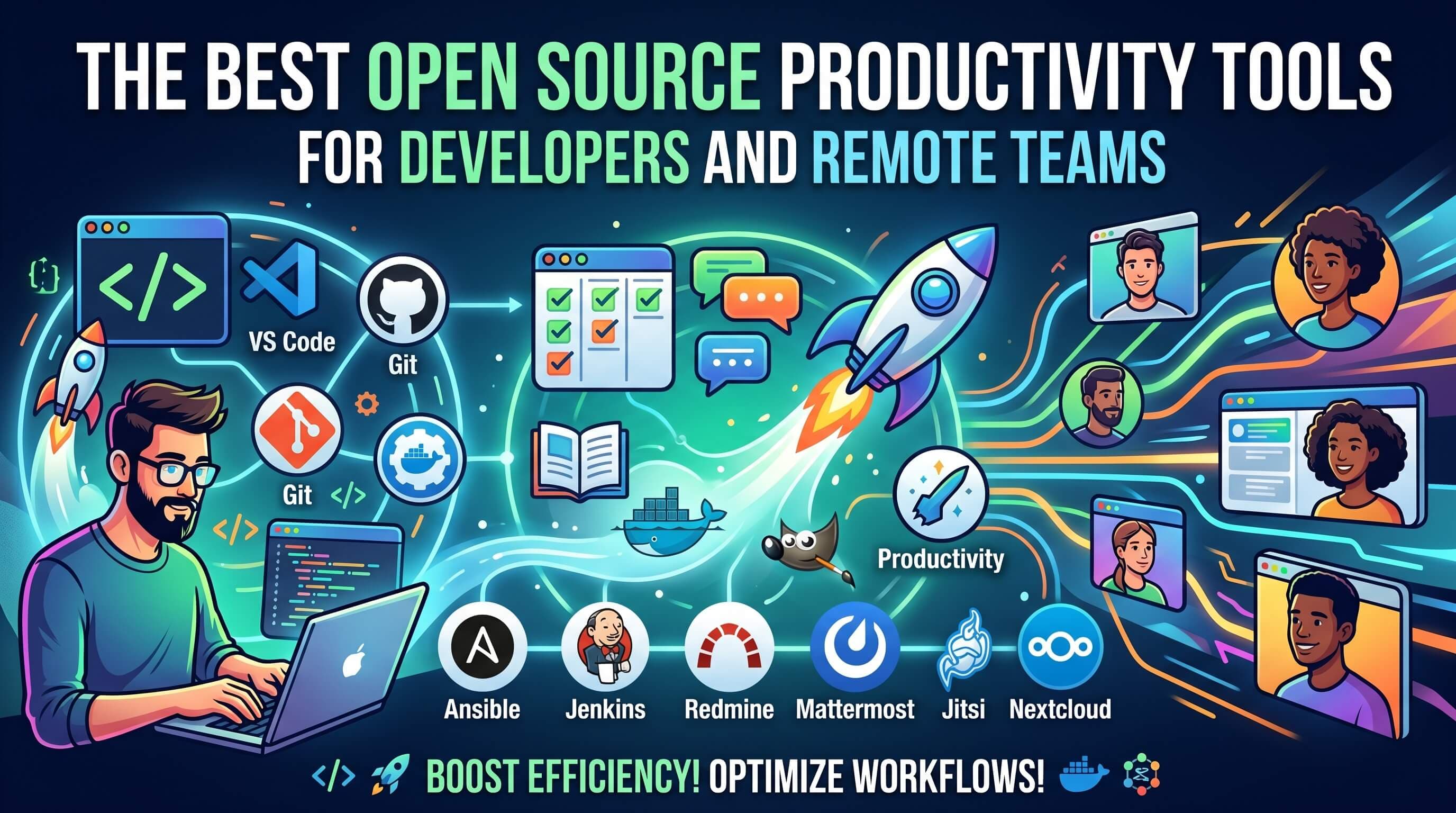
The Best Open Source Productivity Tools for Developers and Remote Teams
Looking for open-source alternatives to increase developer productivity? Discover the top open-source tools for automation, task management, design, and workflows in 2026.
Developer productivity is about optimization, automation, and privacy. While proprietary SaaS platforms offer convenient solutions, they often introduce vendor lock-in, recurring subscription costs, and data privacy concerns.
For developers, remote engineering teams, and privacy-conscious organizations, open source productivity tools offer a powerful alternative. They allow teams to customize layouts, self-host applications on private servers, and audit underlying source code.
In this guide, we review the best open source productivity tools available for software developers and remote teams.
Why Choose Open Source Productivity Tools?
Proprietary tools (like Zapier, Jira, or Figma) are excellent, but open-source equivalents provide distinct advantages for engineering teams:
- Self-Hosting & Privacy: Keep intellectual property and user databases on your own servers (essential for HIPAA/GDPR compliance).
- Infinite Customization: Access the codebase to build custom integrations, plugins, and custom visual panels.
- Lower Operational Costs: Avoid per-user licensing fees as your remote engineering team scales.
- Developer-Native Workflows: Many open-source tools support markdown, git, and local configurations.
Top Open Source Productivity Tools
Here are the best open-source developer productivity tools categorized by use-case:
1. n8n (Best for Workflow & AI Automation)
Automation is core to developer productivity. n8n is a fair-code, node-based workflow automation platform that serves as a powerful alternative to Zapier.
- Key Features: Native AI nodes (to connect LLMs like OpenAI or Claude), 400+ pre-built integrations, visual building canvas, custom JavaScript/Python execution.
- Best For: Automating repetitive API calls, syncing databases, and building custom AI agents.
- How to Host: Easily deploy via Docker or Docker Compose.
2. Super Productivity (Best for Personal Developer Task Tracking)
Super Productivity is a developer-centric To-Do list and timeboxing app.
- Key Features: Built-in Pomodoro timer, integrated keyboard shortcuts, offline-first storage, Jira/GitHub/GitLab API integrations.
- Best For: Individual engineers who want to pull active Jira/Git issues directly into their local task list and track active hours.
- How to Use: Available as a desktop client, Android app, or web application.
3. Penpot (Best for Collaborative Design)
For remote teams, UI/UX handoffs can be a bottleneck. Penpot is the first open-source, web-based design tool built directly on open web standards (SVG and CSS layout code).
- Key Features: SVG native editing, CSS Grid layout controls, real-time remote collaboration, component libraries, developer-friendly inspection panels.
- Best For: Designers and developers building component-driven UI dashboards.
4. Appsmith & Dify (Best for Low-Code Panels & AI Workflows)
Remote teams often need internal tools to manage databases.
- Appsmith: Allows developers to build administrative panels, CRUD widgets, and custom portals by dragging and dropping components and binding them to queries.
- Dify: A visual orchestrator for LLM apps, letting developers deploy AI chatbots, agents, and RAG systems within minutes.
5. OpenProject & GitLab (Best for Agile Project Management)
Managing tasks and tracking progress is essential for remote teams.
- OpenProject: A comprehensive open-source project management suite supporting Agile, Scrum, Gantt charts, and bug tracking.
- GitLab: While primarily a DevOps suite, its integrated issue boards and wiki system serve as a complete collaborative hub for remote engineering organizations.
Comparison Table
| Tool | Core Category | Primary Alternative | Self-Hosting Complexity | Ideal For |
|---|---|---|---|---|
| n8n | Automation / AI | Zapier | Low (Docker) | Automating workflows & API sync |
| Super Productivity | Task Manager / Timebox | Todoist / Toggl | None (Local App) | Single-developer focus sprints |
| Penpot | UI/UX Design | Figma | Low (Web/Docker) | Collaborative layout prototyping |
| Appsmith | Internal CRUD Panels | Retool | Medium (Server) | Administrative dashboards |
| OpenProject | Agile Project Management | Jira / Asana | Medium (Server) | Full remote team collaboration |
Conclusion: Build Your Self-Hosted Stack
Adopting open-source productivity tools is an investment in your team's autonomy. By deploying n8n for automation, Penpot for design, and Appsmith for admin panels, you create an integrated, self-hosted stack that guarantees privacy and customizability.
If you're starting small, download Super Productivity or explore the custom workflow widgets on ProductiveVibe to begin timeboxing your development sessions immediately.